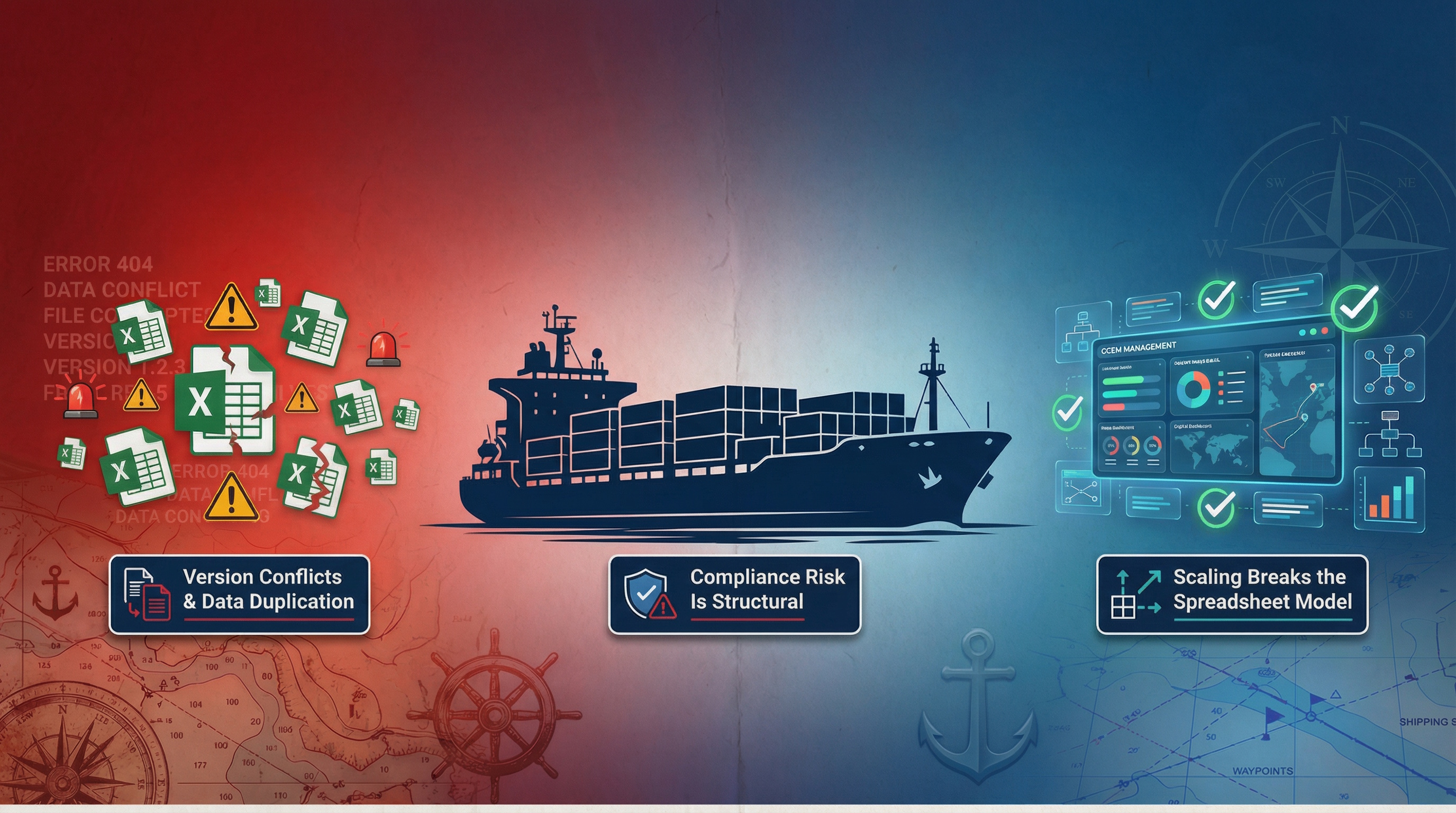
Buying crew management software in 2026 is less about finding a long feature list and more about choosing a system that stays reliable when the schedule changes at 2 a.m., a certificate expires mid-voyage, or a client asks for a last-minute report.
The best selection processes begin with clarity: what must never fail, what can be improved later, and what work you want the software to take off your team’s plate.
Start with the workflows you run every week
Before comparing vendors, map the work as it actually happens: recruitment intake, document collection, medicals, planning, crew changes, client reporting, invoicing, payroll, and daily communication. Include the messy parts, since those drive most of the hidden costs.
A simple way to start is to pick five routine scenarios and write them as short “day in the office” scripts. Example: “A chief officer’s COC expires in 45 days and the relief is not confirmed yet,” or “A shipowner requests a crew list, matrix, and payroll summary by noon.”
One sentence is enough to set the direction: you are buying fewer manual handoffs.
After you have those scenarios, define what success looks like in measurable terms: fewer last-minute compliance surprises, faster candidate-to-berth cycle time, reduced duplicate data entry, quicker reporting, or stronger audit readiness.
Separate must-haves from “nice later”
A common procurement trap is asking every department for a wish list and treating all items as equal. Crew operations rarely work that way. A scheduling win that breaks compliance is a loss, and a beautiful dashboard that cannot export to a client template becomes shelfware.
A practical structure is to group requirements into three tiers: safety and compliance, operational flow, and business intelligence. Then score products against the tiers with different weights.
After you agree on tiers, use a short list of “non-negotiables” as your filter:
Core scheduling and assignment visibility
Certificate and document control with alerts
Audit trail and role-based access
Reporting and export that matches your client obligations
A credible path for data migration
Compliance is not a module, it is the operating system
In maritime, the software must support how you prove compliance, not just how you store files. That means STCW and MLC realities: expiring certificates, national variations, medical validity rules, and company-specific matrices that change by vessel type and trade.
Ask vendors to show how the system prevents non-compliant assignments, not how it reports them after the fact. Also ask how quickly rule updates are deployed when regulations or company policies change.
Two implementation details matter more than they sound:
Expiry logic: Does the system handle “must be valid on sign-on date” vs “must be valid throughout contract”?
Evidence packaging: Can you generate an audit bundle quickly, with consistent naming and a clear source of truth?
If you operate across regions, confirm multi-language and multi-time-zone handling, plus support for different document formats and issuing authorities.
Cloud, AI, and mobile: judge them by outcomes
By 2026, “cloud-based” is table stakes. The differentiation is what the architecture lets you do without extra IT work: faster rollout, easier scaling, frequent updates, and access from any office.
AI claims deserve special scrutiny. The most useful applications are the ones that reduce repetitive data work and improve decision timing, not the ones that generate generic insights. In crew operations, AI often pays off when it can extract structured data from CVs and certificates, detect missing fields, or speed up candidate screening.
Mobile matters too, yet it should be evaluated with real user journeys: seafarer self-service, document upload, messaging, schedule visibility, and status updates that do not require a desktop.
Here are grounded questions that reveal whether “modern tech” is real value or marketing:
AI data capture: What documents can it parse, what accuracy is typical, and how is human review handled?
Offline realities: What happens when a user has poor connectivity, and what data can still be accessed?
Release cadence: How often are updates shipped, and are release notes visible to customers?
Integration is where ROI is won or lost
Crew management rarely stands alone. Data must move between finance, payroll, HR, vessel operations, training providers, and client reporting. If integration is weak, teams fall back to spreadsheets, emailed CSVs, and double entry, which undermines the whole purchase.
Start by listing the systems that already hold critical truth: accounting, payroll, ERP, document storage, email, and messaging. Then define what must sync in real time versus what can move via scheduled exports.
A vendor does not need to integrate with everything on day one, yet it must prove the ability to integrate cleanly. Look for published APIs, stable export tooling, and a clear approach to mapping fields.
When reviewing integration capability, ask for two demonstrations: one automated (API-based) and one operational (a real export you can hand to a client or payroll team without reformatting).
Security, privacy, and data residency: treat them as procurement criteria
Crew records contain sensitive personal data, medical information, identity documents, and employment details. Strong security is not optional, and privacy obligations are not limited to Europe even though GDPR has shaped expectations worldwide.
Ask what is encrypted at rest and in transit, how access is controlled, and what audit logs exist. Confirm whether the platform supports two-factor authentication, role-based permissions, and granular restrictions by office, vessel, or client.
Data residency and hosting location also matter for many operators and clients. EU-based hosting with GDPR-ready practices can be a practical default for multinational firms, yet the key is transparency: where data lives, who can access it, and how deletions and retention are handled.
Usability and adoption: measure time-to-competence
A crew system can be powerful and still fail if everyday users avoid it. Evaluate usability with the people who will live in the tool: crewing coordinators, planners, recruiters, finance staff, and client-facing account managers.
During demos, watch for friction in basic actions:
Creating a candidate profile from incoming documents
Producing a crew list and compliance matrix in the client’s format
Finding the latest message thread and attachments for a seafarer
Seeing plan changes without hunting through multiple screens
Support model matters as well. Ask about response times, onboarding resources, and whether the vendor provides structured training paths. A product that ships frequent improvements can be a strong sign, as long as updates are predictable and communicated clearly.
Scalability and customization without turning into a side project
Scalability is not only “can it handle more records.” It is also whether the platform can support more vessels, more offices, more user roles, and more complex approval flows without turning every change into a paid development request.
Customization should be evaluated with care. Configuration is healthy when it lets you adapt fields, templates, workflows, and permissions while still staying on a standard product track. Heavy customization can lock you into slow upgrades and higher long-term costs.
If your business runs multiple brands or client processes, confirm the software can handle:
Multi-currency and multi-contract pay structures
Client-specific reporting templates
Office-level permissions and segregation where needed
Flexible workflows for approvals and reminders
Run a pilot that mirrors real operations
A pilot should not be a toy dataset. Use a slice of real data and real scenarios, while controlling risk. Even a two-week pilot can surface whether a platform supports your daily pace.
After agreeing on scope, define success metrics that reflect operational reality:
How long it takes to prepare a crew change pack
How many clicks to find critical documents
Whether planners can spot conflicts early
How often users fall back to spreadsheets
A pilot plan works best when it includes cross-functional ownership. One team member should be accountable for each area: crewing, planning, compliance, finance, and IT.
A simple structure that keeps momentum:
Week 1: Import data, configure roles, run basic workflows
Week 2: Execute your five scenarios, generate client reports, test integrations and alerts
Decision meeting: Review scorecards, risks, and rollout plan
Cost is more than subscription pricing
Subscription pricing per user is easy to compare. Total cost is not. Implementation time, migration effort, training, support, and the cost of workarounds often decide whether the software pays back.
Build a cost model that includes:
License fees based on expected active users over time
Data migration and validation effort
Configuration and reporting template setup
Training time and internal change management
Integration build costs where applicable
Then compare those costs to measurable savings: reduced manual data entry, fewer compliance incidents, faster placement cycles, fewer payroll corrections, and less time producing reports.
What to ask vendors that reveals how they operate
Product capability matters, yet vendor execution is what you live with year after year. Ask questions that show how a provider ships improvements, supports customers, and handles change.
After a demo, request clear answers to these points:
Migration support: Who does what, what is included, and how long validation takes
Roadmap transparency: How requests are prioritized and how customers are informed
Support quality: Hours, SLAs, escalation path, and who owns your account
Some platforms, including Crewvector, offer instant full-featured demo access and free data migration as part of their commercial approach. Treat that as a useful benchmark when comparing vendors, since evaluation speed and migration risk often shape the real timeline more than any feature difference.
Keep the decision anchored in operational confidence
The best crew management software choice for 2026 is the one that gives your team a calmer operating rhythm: fewer surprises, faster decisions, and clearer accountability across offices and stakeholders.
If your next step is to shortlist vendors, start by selecting three that can prove compliance control, export quality, and integration readiness in a hands-on pilot. The rest becomes much easier once you see your own workflows running in a system that is built for the pace of crewing.