Seafarer documentation is one of those operational areas where everything can look fine right up until it suddenly is not. A single expired medical, a missing endorsement scan, or an unreadable course certificate can turn a routine crew change into a scramble, delay a sailing, or invite unwanted attention during an inspection. The good news is that most of these failures are predictable, and predictable problems can be designed out of the process.
A well-built seafarer document management system is less about “storing PDFs” and more about creating a reliable, auditable chain from requirement to proof, with enough automation to keep humans from being the last line of defense.
Why seafarer documents go missing or expire in the first place
Even disciplined teams can fall into patterns that create gaps. Documents often live in too many places at once: an inbox, a shared drive, someone’s desktop, a WhatsApp thread, and a paper folder that might be aboard or ashore. Every extra location increases the odds of a mismatch between “what exists” and “what can be produced quickly.”
Expiration risk has its own mechanics. Some credentials must be renewed on fixed cycles (often five years under STCW-related rules). Others vary by flag, rank, vessel type, trading area, or company policy. If the renewal lead time is longer than the reminder lead time, the math guarantees late action.
A final driver is handover friction. Crewing often involves shifting responsibilities across coordinators, port agents, training providers, and vessel staff. Without a single source of truth and clear ownership, “someone else has it” becomes the default assumption.
What “document management” means in maritime crewing (beyond filing)
A system that actually reduces risk does four jobs at the same time:
- Defines what is required for each seafarer and assignment.
- Collects and validates evidence in consistent formats.
- Tracks validity windows and prompts action early enough to matter.
- Proves compliance quickly during internal checks, vetting, and Port State Control.
After a crew manager has clarified the scope, the document set typically includes a mix of identity, competency, medical, and commercial paperwork.
Passport and seaman book
Flag endorsements and CoC
STCW training certificates
Medical fitness and drug/alcohol testing
Visas and travel permits
Company forms (contracts, evaluations, briefings)
Notice that some of these are “must be valid on day of embarkation,” while others are “must be carried onboard,” and some are “must be demonstrable to a third party.” A capable system models those differences instead of treating everything as the same type of upload.
The core architecture: one source of truth with controlled access
Paper can still exist, but it should not be the system of record. The operational goal is a centralized database that connects each seafarer profile to a structured set of document types, each with key metadata:
Issue date
Expiry date (or “no expiry”)
Issuing authority
Version history (renewals and replacements)
Verification status (where your process calls for it)
Role-based access is not a luxury. It is how you prevent well-meaning edits from turning into silent data corruption. A solid approach also preserves an audit trail: who uploaded, who changed metadata, and when. That audit trail matters during incidents, disputes, and inspections.
Cloud hosting is popular for practical reasons: availability across time zones, backup discipline, and faster collaboration. In European contexts, GDPR expectations also shape vendor choices, especially when crew data includes personal identifiers and medical information.
Building an expiry-prevention engine that works in real operations
Expiry prevention is where document management becomes a scheduling problem. The system should convert “expiry date” into a sequence of actions: notify, book, submit, confirm, and replace.
Industry guidance often points to structured reminder intervals, commonly 90, 60, and 30 days ahead of expiration. Many flag administrations also encourage earlier action for certificates of competency, sometimes as far as six months ahead, to preserve anniversary dates.
A reminder schedule is most effective when it is explicit and standardized, not left to individual habit.
90 days: confirm requirements, check travel plans, identify training slots
60 days: submit applications where lead times are uncertain, chase missing sea service letters
30 days: escalate unresolved cases, prepare contingency crew options
Two design choices make this engine dependable:
First, reminders must go to the right people. The “right people” may be the seafarer, the crewing coordinator, and a training or compliance role. If reminders only go to one inbox, vacations and shift changes will defeat the system.
Second, the system must make the next step easy. A reminder that forces a user to search through folders, email threads, and spreadsheets often becomes noise. A reminder that opens the seafarer profile and highlights the exact missing item tends to produce action.
Stopping missing files: capture discipline and version control
“Missing” usually means one of three things: never captured, captured but not findable, or captured but not trusted.
To prevent “never captured,” strong teams embed document capture into natural workflow moments: sign-on, sign-off, post-training, post-medical, post-renewal, and pre-joining checks. The moment a document is created is the cheapest moment to capture it.
To prevent “captured but not findable,” consistency wins. File naming conventions matter, but metadata matters more. Searching “Basic Training” should return the right certificate even if the file name is odd, a scan is rotated, or a training center uses a different wording.
To prevent “captured but not trusted,” keep a history. Replaced certificates should not vanish; they should be marked as superseded with dates, while the current valid document is clearly labeled as the active one. This prevents a common failure during audits: presenting an older scan because it was uploaded first.
A small but meaningful improvement is previewability. When office teams can preview PDFs and images in the browser, they can spot obvious issues (wrong person, wrong dates, unreadable scan) before the file becomes “accepted by default.”
A practical workflow: from requirement to ready-to-sail proof
Most organizations benefit from treating document management as a lifecycle. The lifecycle can be expressed simply, which also makes it easier to train new staff and maintain quality across offices.
Here is a compact way to map the workflow and its controls:
| Stage |
What happens |
Common failure |
Control that prevents it |
| Define |
Required docs per rank, vessel, trade |
Requirements stored in someone’s memory |
Rules templates tied to roles and assignments |
| Collect |
Upload scans or e-docs |
Files sit in email/WhatsApp |
Central upload with mandatory metadata |
| Verify |
Check authenticity, readability, and dates |
“Looks fine” approvals |
Status flags + second-person review for critical docs |
| Monitor |
Track expiries and missing items |
Late renewals |
Scheduled alerts + escalation paths |
| Report |
Produce compliance views for a vessel or crew list |
Spreadsheet drift |
Real-time reports from the same database |
| Audit |
Periodic internal review |
Issues found during inspections |
Quarterly audits and traceable corrective actions |
That table is also a training tool. When people know which stage they own and what “done” means, quality rises without adding bureaucracy.
Governance: who owns what, and how to keep it consistent
Technology can reduce effort, but governance reduces ambiguity. A simple operating model clarifies ownership and escalation without creating a bottleneck.
A workable structure often includes:
Document owner: accountable for completeness on a given seafarer file
Verifier: checks critical items (CoC, endorsements, medical) before assignment approval
System admin: maintains templates, access rights, and data standards
Compliance lead: runs audits and tracks recurring failures
This is also where training fits. Short refreshers every 9 to 12 months keep teams consistent, especially when new ports, new flags, or new credential formats enter the mix.
What to look for in a seafarer document management system
A buyer’s checklist should focus on outcomes: fewer expiries, fewer missing files, faster proof. Features only matter when they support those outcomes.
Key capabilities to evaluate include secure centralized storage, configurable document templates, expiry notifications, reporting, and controlled access. A system that supports bulk upload and structured import can speed adoption, especially when moving from years of legacy folders and spreadsheets. Integration with recruiting and planning also matters because crewing work rarely stays inside one module.
How Crewvector supports document control in day-to-day crewing
Crewvector is built for maritime crewing agencies, ship owners, and ship management teams that want a single platform for crew data, workflows, and communication. From a document-management perspective, the practical value is in centralization, automation, and visibility.
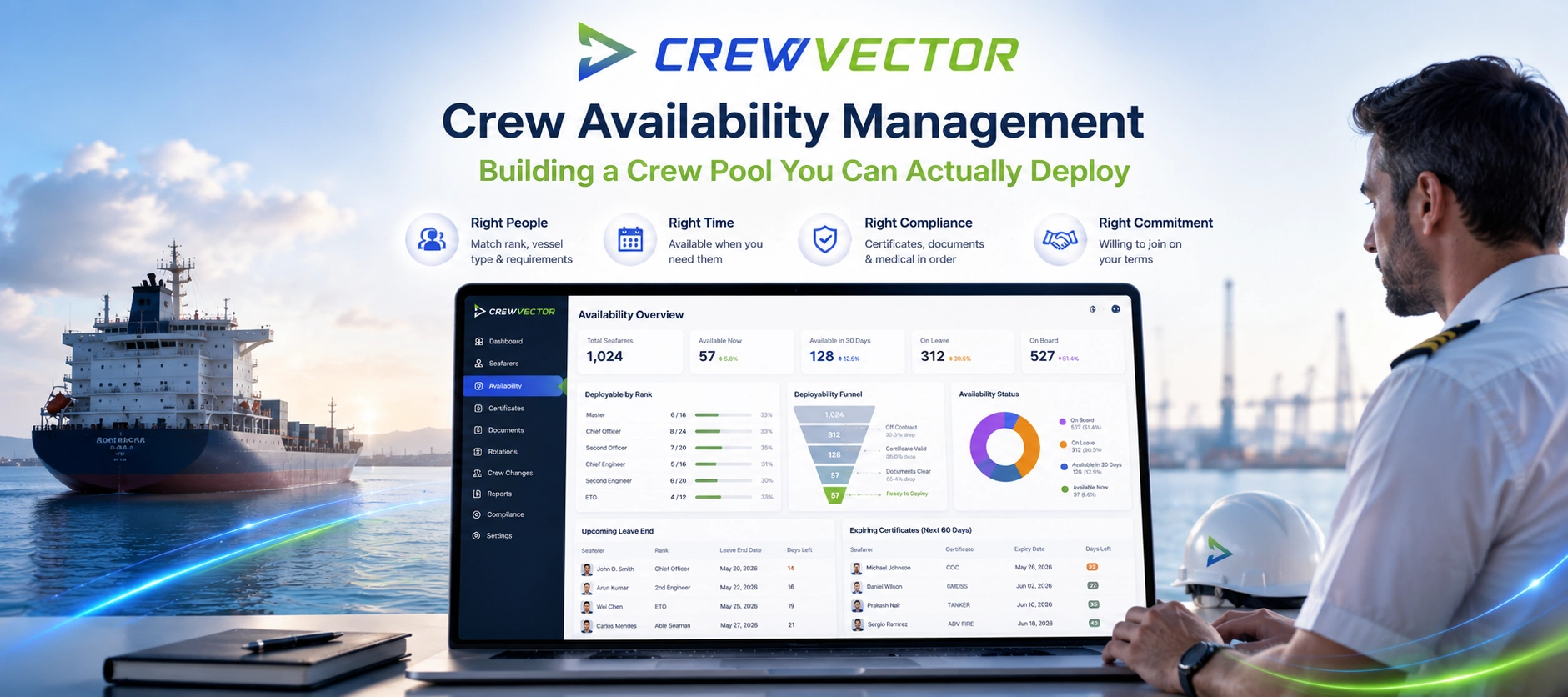
A common operating pattern is to use a central files library tied to seafarer profiles, where certificates, contracts, visas, and supporting documents live alongside structured data fields. When expiries approach, automated notifications can prompt action early rather than relying on calendar entries maintained by individuals. Reporting views help teams review missing documents across a vessel, a pool, or an upcoming set of assignments, which is often where problems surface first.
Because Crewvector is cloud-based with EU hosting options and GDPR-oriented controls, it fits organizations that need cross-office access while still maintaining permission boundaries and auditability. Free data migration and instant access to a full-featured demo also remove a common adoption barrier: the long delay between evaluation and real workflow testing.
Measuring success: the metrics that prove the system is working
Once a document system is in place, performance should become visible. A small set of metrics can show whether risk is truly dropping or merely moving around.
The best metrics tend to be operational and time-based:
Expired documents per month (target: sustained near-zero)
“Time to complete” from reminder to renewed upload
Percentage of crew with complete files at pre-joining checkpoints
Audit findings by category (to identify training or process gaps)
Inspection readiness time (how long it takes to produce a full document pack)
When these measures improve, teams feel it immediately. Crew changes become calmer. Training bookings become planned instead of rushed. Compliance conversations shift from blame to predictable workflow.
Where advanced teams are heading next
Many authorities and training providers are moving toward electronic certificates, QR-based verification, and faster cross-checks. That trend favors operators who already have structured metadata, clean version history, and disciplined capture habits. It also opens the door to higher-integrity verification models, including tamper-resistant credentials for high-value certificates.
The strongest position is created today by getting the fundamentals right: one source of truth, clear ownership, early reminders, and reporting that makes gaps impossible to ignore. Once that foundation is in place, improvements in digital credentials and verification become easy to adopt, rather than another complicated change project.