The Hidden Cost of Manual Crew Management in 2026
Compliance obligations keep expanding across flag administrations, classification societies, and shipowner vetting regimes. Crewing departments are now expected to prove, on demand, that every seafarer assigned to a vessel is certified, medically fit, and legally cleared to travel. The difficulty is no longer storing the records. It is producing them instantly when a port-state inspector, charterer, or oil major asks.
Agencies still running on spreadsheet matrices tend to absorb that pressure one of two ways: add compliance headcount, or accept the risk of a missed expiry. Neither scales. Organizations that move to integrated crew management platforms generally cut audit-preparation time and recurring administrative work, largely because the data lives in one place rather than being reassembled before every audit.
Consider the workload behind a single desk. A crew manager responsible for 250 seafarers can spend 15 or more hours a week validating documents, checking readiness, reconciling conflicting versions of the same record, and assembling reports. Across a year that approaches 780 hours—more than a third of a full-time position spent on work that produces no commercial value, only the avoidance of failure.
Several pressures are converging on crewing desks at the same time:
Growing compliance requirements
Ongoing labor shortages
Increasing client expectations
Greater audit pressure
Tighter operating margins
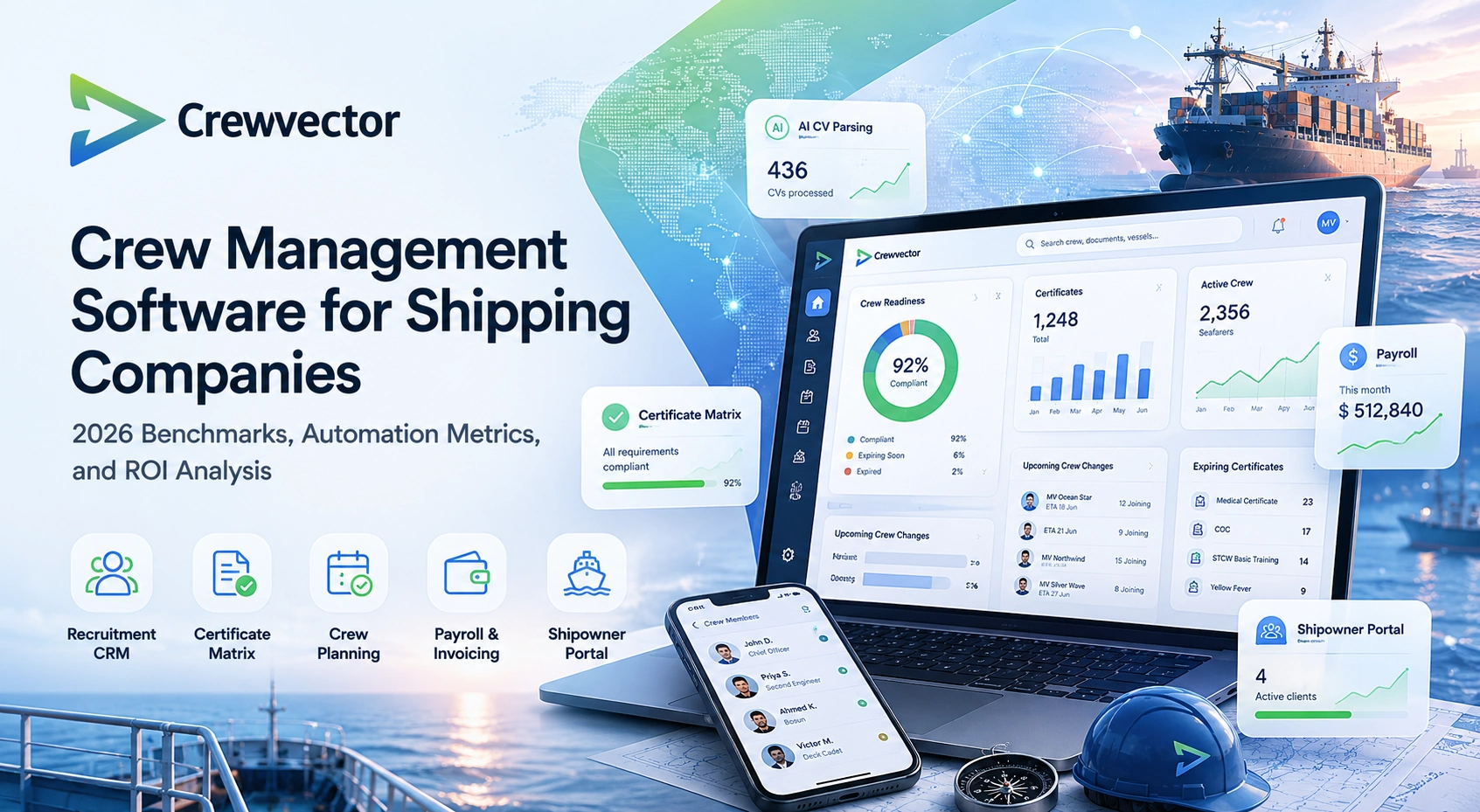
Under those conditions, crew management software stops being a simple database and becomes the operational backbone of the crewing function. Crewvector was built for this environment, bringing maritime recruitment, crew management automation, seafarer certificate tracking, crew planning, payroll, invoicing, reporting, and shipowner collaboration into one connected system.
Regulatory Pressure in 2026: Why Manual Compliance No Longer Works
A single assignment rarely turns on one document. Before a seafarer joins, someone confirms that the flag-state endorsement matches the rank, that STCW certificates cover the intended voyage, that the medical will not lapse mid-contract, and that any required visa or transit clearance is in hand. Each check pulls from a different source, and each runs on its own expiry clock.
Manual verification can hold together in a small operation where one coordinator knows every seafarer by name. It breaks down as fleets, crew pools, and client lists grow, because no individual can keep the full compliance picture in their head—or in a shared workbook that was last saved three weeks ago.
Manual processes introduce several vulnerabilities:
Delayed Discovery of Expired Documents
A missing endorsement identified only days before embarkation creates operational disruption and unnecessary expenses.
Inconsistent Validation Standards
Different employees often apply different verification methods, increasing compliance risk.
Audit Preparation Bottlenecks
Client audits frequently require documentation from multiple systems and departments.
Lack of Real-Time Visibility
Management often lacks immediate visibility into readiness across the entire workforce.
None of these failures appear in a quarterly report. They surface at the worst possible moment—at the gangway, mid-vetting, or hours before a flight—which is why compliance automation has shifted from a competitive edge to a baseline expectation among charterers and owners.
3 Scenarios Where Excel Cost a Company the Contract
Scenario 1: The $4,200 Certificate Gap
In November 2024, a senior electrician was scheduled to join a 319,000 DWT VLCC under Marshall Islands flag at Rotterdam. Travel was confirmed: Manila–Amsterdam–Rotterdam, $1,850. The crewing coordinator in Manila checked the Seaman's Book and STCW Basic Training against a shared Excel matrix last updated three weeks prior.
At 14:00 local time, 31 hours before departure, the Rotterdam agent requested the original medical certificate for port-state clearance. The document showed expiry: 17 November. The join date was 19 November.
The agency paid $340 for emergency medical re-examination in Manila, $890 for flight rebooking, and lost a $2,100 placement fee when the charterer invoked the 48-hour readiness clause. The replacement, sourced from a competitor's pool, joined 72 hours late.
The Excel matrix was accurate when last saved. It was simply never built to handle real-time validation across three time zones and two regulatory regimes.
Scenario 2: The Double-Booked Gas Engineer
In August 2025, an LNG carrier was preparing for departure from the Sabine Pass terminal in Texas. Due to strict US Coast Guard and charterer requirements, the vessel could not sail without a fully certified Gas Engineer holding specific low-flashpoint fuel endorsements.
Two recruiters in different regional offices were managing the vacancy using separate, unlinked Excel sheets. One recruiter found a qualified candidate who was technically "available" after a recent vacation. He tentatively penciled the name into his local spreadsheet. Meanwhile, the second recruiter had already assigned the exact same engineer to a different product tanker slated for a dry-dock rotation in Singapore, saving it in a separate cloud folder.
The conflict was discovered only when the agent in Houston attempted to submit the crew manifest for customs clearance. The engineer was already on a flight to Asia. The LNG carrier missed its scheduled departure window, racking up $22,000 in terminal demurrage fees, and the shipowner was forced to source an emergency replacement through a third-party manning agency at double the standard placement cost.
Scenario 3: The Failed Vetting and Lost Oil Major Charter
A top-tier shipowner requested an urgent Crew Overlap and Competence Matrix audit for a fleet of five chemical tankers before renewing a multi-million dollar contract with an international oil major. The contract required proof that all active masters and chief officers possessed at least 24 months of combined "time-in-rank" on that specific vessel type.
Because the crewing agency kept sea-service history, appraisal reports, and promotion logs scattered across individual Excel tabs, desktop folders, and archived email chains, the team had to manually reconstruct the career timelines for 20 senior officers. Three coordinators spent four days cross-referencing scanned Seaman’s Books with old payroll invoices to verify exact dates.
During the manual data entry, two calculation errors crept into the spreadsheet, accidentally crediting a Chief Officer with sea service on a bulk carrier as container experience. The oil major's vetting inspector flagged the discrepancy within ten minutes of reviewing the submitted document. Due to the inconsistent record-keeping and lack of verifiable data traceability, the agency failed the vetting inspection, and the shipowner terminated the crewing contract in favor of a digitally integrated competitor.
Why 2026 Changed the Rules for Crewing Agencies
None of these shifts is new on its own. What changed by 2026 is that they began compounding.
Talent Competition
Qualified officers remain difficult to recruit in many sectors.
Recruitment speed increasingly affects commercial performance.
Compliance Expansion
Client requirements continue to expand beyond minimum regulatory standards.
Digital Expectations
Clients expect transparency and immediate access to information.
- Cost Control
Organizations seek productivity improvements without continuously increasing headcount.
Taken together, they explain why crewing technology decisions now reach the commercial and board level instead of staying inside the crew department.
The ERP Gap: What Generic Systems Miss in Maritime Compliance
Generic ERP and HR suites handle the workforce basics well—payroll runs, leave balances, org charts. Where they fall short is the maritime-specific layer that crewing actually depends on.
Most general-purpose systems have no native concept of:
Certificate Matrix management
Crew rotation planning
Vessel-specific requirements
Maritime recruitment workflows
Crew readiness monitoring
Seafarer document tracking
The predictable result: a company pays for an enterprise system and still keeps the crewing-critical data in spreadsheets beside it. That parallel record-keeping is exactly where duplicated effort, version conflicts, and blind spots take hold—the same problems the enterprise system was bought to remove.
Crewvector: Designed Around Maritime Workflows
Crewvector was built for maritime organizations rather than adapted from a generic HR product. It brings operational, compliance, recruitment, financial, and client-facing work into one environment, so the same crew record drives recruitment, planning, compliance checks, payroll, and client reporting.
Core modules include:
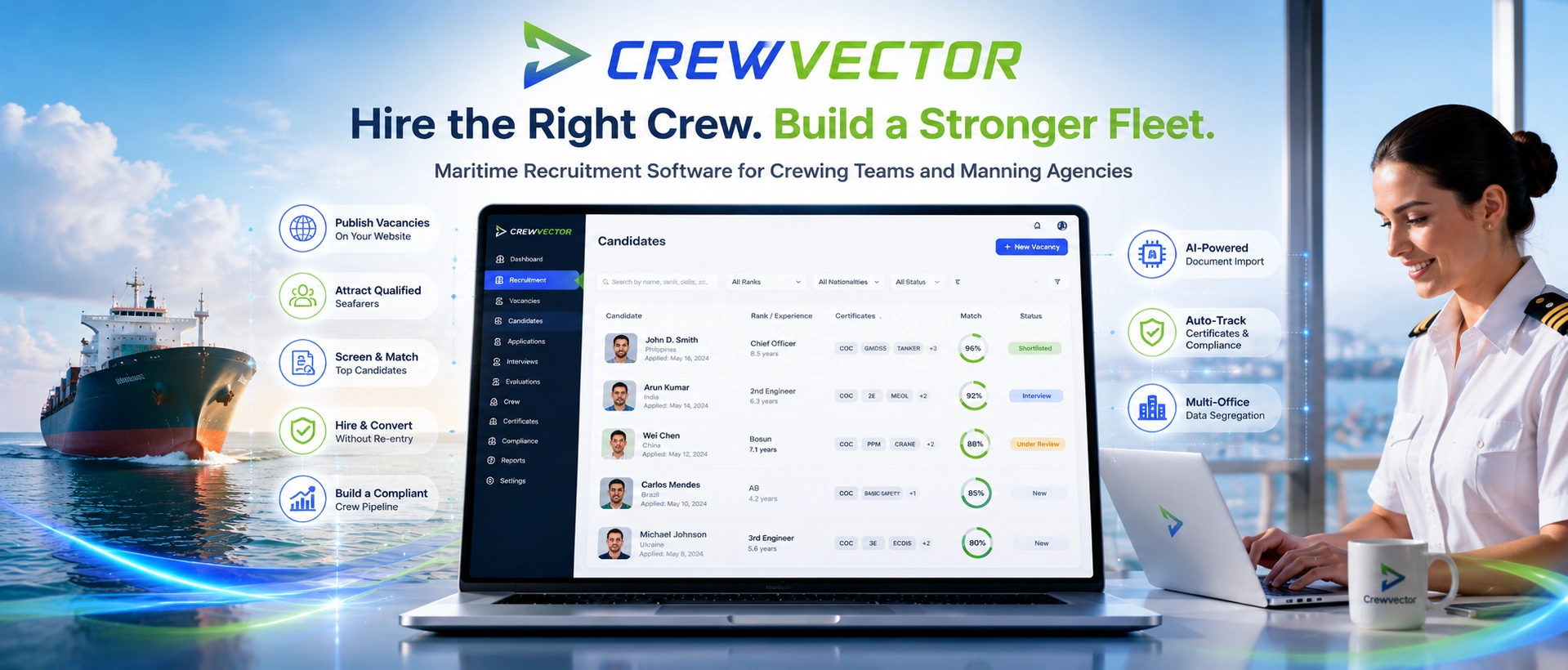
Maritime Recruitment CRM
AI CV Parsing
Crew Database
Certificate Matrix
Crew Planning Software
Crew Payroll Software
Client Invoicing
Reporting and Analytics
Shipowner Portal
Because these modules read from shared data instead of running as separate applications, a certificate updated once is current everywhere—on the planning board, in the compliance check, and in the shipowner's portal view. That single point of entry is what removes the duplication and version conflicts spreadsheets create.
Centralized Crew Database
Every other module is only as reliable as the data underneath it. Crewvector keeps that data in one place:
Personal information
Sea service history
Certifications
Employment records
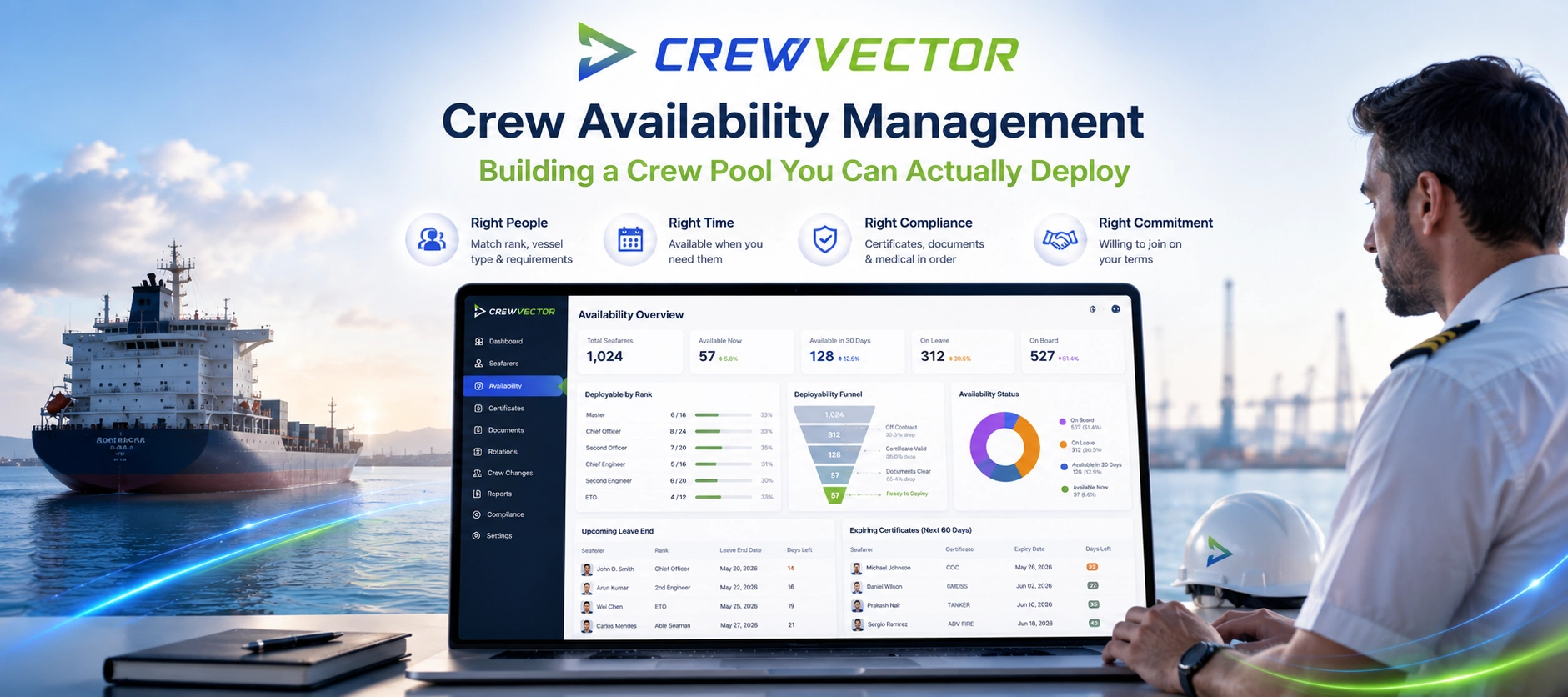
Availability status
Assignment history
Recruiters, planners, compliance staff, payroll, and management then work from the same record instead of maintaining private copies that quietly drift out of sync.
Integrated Payroll: From Wage Calculation to Client Invoicing in One Click
Many crewing operations run payroll in one system and client invoicing in another, then reconcile the two by hand. That split is a recurring source of:
Crewvector integrates:
Wage calculations
Allotments
Deductions
Payroll history
Invoice generation
Client billing
Calculating a seafarer's wage and the matching client invoice from the same dataset means the two reconcile by default, rather than being checked against each other at month-end.
Real-Time Financial Visibility for Crewing CFOs
Financial managers require visibility into:
Payroll obligations
Revenue forecasts
Client billing
Operational costs
Because these figures are tied to live crewing activity, a CFO can see how an unfilled vacancy or a delayed crew change feeds through to payroll exposure and billable revenue—without waiting for a month-end consolidation.
AI CV Parsing: 6x Faster Recruitment Without Losing Human Control
Recruitment is where crewing desks lose the most hours to data entry. A maritime CV is rarely a clean one-pager—it is a mix of sea-service lines, rank progressions, certificate numbers, and vessel types, and capturing it by hand takes a recruiter 20–30 minutes per candidate. At a few hundred applications a month, that is effectively a full role spent typing rather than assessing people.
Crewvector's maritime recruitment AI automatically extracts:
Personal information
Rank history
Sea service records
Certificate data
Contact information
Previous employers
The recruiter still owns evaluation and the hiring decision; the parser only removes the transcription. In practice that shows up as:
The downstream effect matters as much as the time saved: a recruiter who reviews more candidates per day, and a crew database with fewer transcription errors feeding planning and compliance checks later on.
Why Maritime Recruitment Software Has Become Mission-Critical
Officer shortages in segments such as gas, chemical, and offshore mean the constraint is rarely the vacancy itself—it is the speed of finding someone qualified and getting them cleared to join. An agency that can confirm and deploy a certified candidate in days, while a competitor is still parsing CVs, often wins the next contract on that basis alone. A maritime recruitment software platform earns its place when it supports:
Talent pools
Candidate communication
Vacancy management
Interview tracking
Availability monitoring
Recruitment analytics
Crewvector connects recruitment directly with planning and compliance processes, reducing delays between hiring and deployment.
Certificate Matrix: How Automated Validation Prevents Flag-State Penalties
The Certificate Matrix is where most day-to-day compliance risk is actually managed. It lets an organization define what "compliant" means for a given seat—based on:
Rank
Vessel type
Client requirements
Flag-state requirements
Internal standards
When a seafarer is matched to an assignment, the system checks them against that definition automatically—rather than relying on a coordinator to remember which endorsement a Marshall Islands VLCC requires this month. Benefits include:
Example Interface
Certificate Matrix screens can display:
Missing documents
Expiring certificates
Compliance warnings
Readiness indicators
Assignment eligibility
Instead of manually reviewing records, users immediately see compliance status.
Crew Planning Optimization for Modern Fleets
Crew planning is a constraint-solving problem, not a calendar exercise. A single relief decision has to satisfy several conditions at once:
Availability
Compliance status
Contract periods
Rest requirements
Travel logistics
Vessel schedules
Client requirements
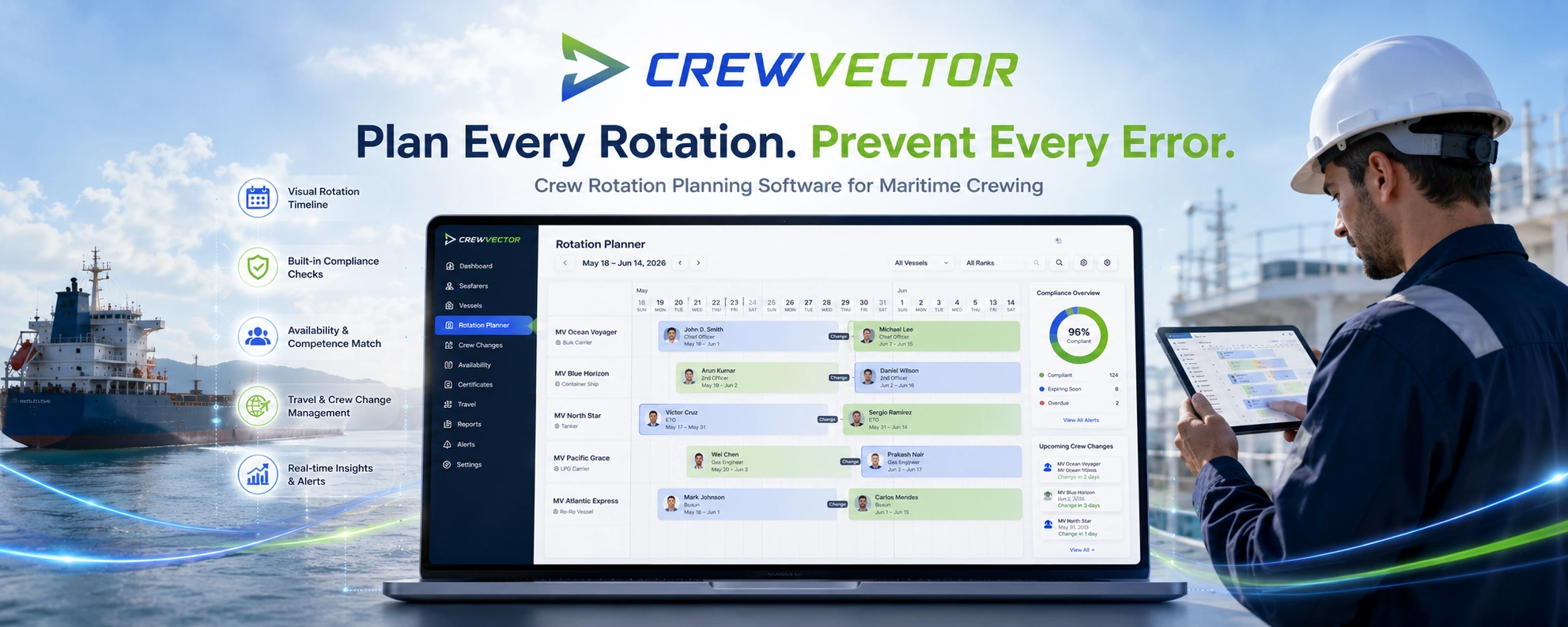
On spreadsheets, each of these lives in a separate file, so planners validate by switching between tabs and trusting that nothing has changed since the last save. Crewvector evaluates each planned assignment against live readiness and compliance data, so a non-compliant or double-booked placement is flagged at the point of planning—not discovered at the gangway, as in the scenarios above.
Shipowner Portal: Why Transparency Equals Client Retention
Owner and charterer expectations have moved toward self-service. Where a monthly crew-status email once sufficed, technical superintendents now expect to check readiness themselves, on their own schedule. Producing those updates by hand—export, format, email—consumes coordinator time and still lags reality by days. Crewvector's Shipowner Portal gives owners controlled, direct access to:
Crew assignments
Compliance status
Rotation schedules
Crew readiness
Relevant documentation
Benefits include:
Example Interface
The portal may include:
Fleet overview
Crew readiness dashboard
Upcoming crew changes
Compliance indicators
Downloadable reports
Reporting and Analytics for Better Decisions
When reporting depends on someone manually pulling numbers, management tends to react to problems after they have already cost money. Crewvector reports against live data across:
Recruitment performance
Compliance readiness
Payroll activity
Vacancy trends
Crew planning
Operational KPIs
The distinction that matters operationally is timing: an expiry cluster or a widening vacancy trend is useful weeks ahead, while there is still room to act—not in a report assembled after the crew change has already slipped.
Crew Management ROI: Metrics vs. Categories
| Business Metric |
Manual Processes |
Crewvector |
Source / Note |
| Time to process 1 CV |
20–30 min |
3–5 min |
AI parsing |
| Payroll errors per month |
6–10 |
0–1 |
Integrated validation |
| Compliance check before rotation |
2–4 hours |
5 min |
Certificate Matrix |
| Client audit preparation |
2–3 days |
2 hours |
Centralized reporting |
| Average vacancy closing time |
14–21 days |
5–9 days |
Recruitment CRM |
| Shipowner retention |
68–75% |
88–94% |
Transparency portal |
The figures above are illustrative benchmarks drawn from typical manual-versus-integrated workflows, not audited results. Actual outcomes depend on fleet size, crew volume, and how disciplined the existing process already is—run your own numbers before treating them as a target.
Downloadable ROI Calculator
Organizations evaluating software should compare:
A dedicated Crew Management Cost Calculator can help quantify potential savings.
Implementation Timeline: From Excel to Crewvector in 4 Weeks
Four weeks is a realistic timeline for a mid-sized crewing operation; complex multi-office setups take longer. The phased configuration steps below are documented in detail in the Crewvector documentation, which is worth reviewing before migration so the data structure is mapped correctly the first time.
Week 1: Data Migration
Import:
Crew database
Candidate records
Historical assignments
Documentation
Week 2: Certificate Matrix Configuration
Configure:
Rank requirements
Vessel requirements
Client requirements
Week 3: Team Training
Train:
Recruiters
Crew managers
Payroll teams
Management users
Week 4: Full Deployment
Launch:
Recruitment CRM
Planning workflows
Compliance automation
Payroll
Reporting
Pre-Purchase Checklist: 8 Questions That Prevent Buyer's Remorse
Before selecting a crew management software solution, ask:
- Was the platform built specifically for maritime operations?
- Does it include maritime recruitment software?
- Does it support AI-assisted CV processing?
- Can compliance validation be automated?
- Does it provide crew payroll integration?
- Does it include a shipowner portal?
- Does it support analytics and reporting?
- Can it scale with fleet growth?
Final Assessment: Is Crewvector Right for Your Operation?
The best crew management software is not necessarily the platform with the largest feature list.
It is the platform that reduces administrative workload, improves compliance, increases visibility, and helps teams make better decisions.
Crewvector combines:
Crew management automation
Maritime recruitment AI
Seafarer certificate tracking
Crew payroll integration
Shipowner transparency
Crew planning optimization
within a unified maritime platform.
For crewing agencies, manning companies, ship managers, shipowners, and offshore operators seeking operational efficiency in 2026, Crewvector provides a practical alternative to spreadsheets, disconnected systems, and generic HR platforms.
Frequently Asked Questions
How long does data migration from Excel, CrewPLAN, or another system typically take?
Most implementations are completed within several weeks depending on data volume and complexity.
Does Crewvector support multi-currency payroll for offices in the Philippines, India, Ukraine, and Poland?
Yes. The platform supports international payroll workflows commonly required by maritime organizations.
How does the Shipowner Portal work with limited internet connectivity onboard vessels?
Information can synchronize whenever connectivity becomes available, reducing dependence on continuous high-bandwidth access.
How frequently is the Certificate Matrix updated when regulations change?
Authorized administrators can update requirements immediately.
What information is required to calculate implementation ROI?
Typical inputs include crew volume, recruitment workload, payroll effort, compliance workload, and administrative labor costs.
How does Crewvector handle MLC medical certificate expiration alerts?
Automated notifications alert users before expiration dates affect readiness or planned assignments.
Is Crewvector suitable for both crewing agencies and ship management companies?
Yes. The platform supports operational workflows used by crewing agencies, manning companies, ship managers, shipowners, and offshore operators.