Search for the best crew management software and you mostly find ranked lists of product names. A list tells you what exists. It does not tell you which system will survive contact with your crew changes, your flag-state requirements, and the way your desk actually works at 2 a.m. when a relief is stuck at an airport and the joining officer's medical has just expired. This guide takes the other approach: what to evaluate, why each capability matters operationally, and how the right answer shifts depending on whether you run a small manning office or a multi-vessel fleet.
The honest starting point is that there is no single best system for everyone. A ten-vessel ship manager and a 200-seafarer manning agency feeding several principals have different failure modes, and the software that fits one can be overkill or underpowered for the other. What follows is a framework for matching the tool to the operation, not a trophy for one product.
Why crew management software is now an operational decision
Crewing used to be treated as administration. It is now closer to risk control. A single expired STCW certificate discovered during a port state control inspection can hold a vessel alongside; a rotation built on a document nobody re-checked can put an uncertified officer in a position they are not legally allowed to hold. The cost of a crewing error is rarely the error itself — it is the vessel downtime, the rebooked flights, and the scramble to find a compliant replacement at short notice.
This is why the question is no longer whether to digitalize, but how much the system actually connects. Storing scanned certificates in a shared drive is digitization in the weakest sense. The value appears when a certificate's expiry date is linked to the seafarer, the seafarer is linked to a rank requirement, and the rank requirement is linked to a specific vessel and assignment — so the gap surfaces before the crew change is planned, not after the joiner is already traveling.
What crew management software actually means in maritime
A crew management system handles the full seafarer life cycle: recruitment, profiles, certificates and documents, medical and contractual records, sea service history, planning and rotations, travel, and the reporting that ties it together. The reason a generic HR platform struggles here is structural, not cosmetic. An employee in an HR system is a record. A seafarer is a record with conditions attached — a rank, a set of valid certificates, a vessel they can lawfully serve on, a contract with embarkation and disembarkation dates, and rest-hour and document constraints that decide whether they can join at all.
That difference shows up in the questions a crewing desk needs answered in seconds. Who is available and compliant for this rank, on this vessel type, at this port, within this window? Whose certificates expire before the next crew change? Which assignment is blocked by a missing document? A maritime-built system is organized around those questions. A repurposed HR tool can store the same data but cannot reason about it the same way, which is exactly where the manual workarounds — and the errors — creep back in.
The table-stakes features
These are the capabilities a serious crewing system is expected to have. Their absence is disqualifying; their presence is not yet a differentiator.
Centralized crew database — one record per seafarer holding personal data, contacts, sea service, rank and employment history, medical and travel documents, certificates and training. The test is whether updating a fact once updates it everywhere.
Certificate and document control with expiry monitoring — automatic alerts before expiry, not a report someone has to remember to run. This is the single most common point of failure in spreadsheet-based crewing.
STCW and MLC compliance support — rank and vessel requirement matrices that validate a seafarer against the position before assignment, including flag-state and company-specific requirements where relevant.
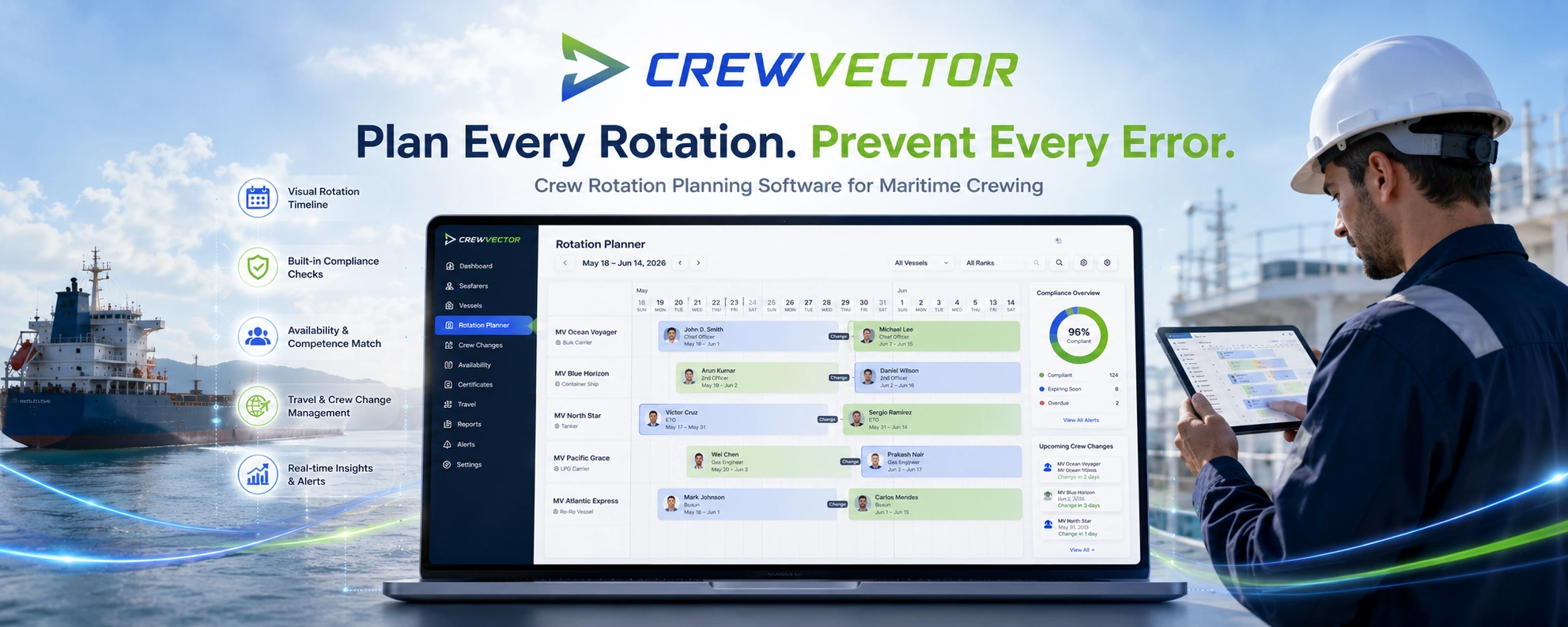
Rotation and crew change planning — availability tracking, relief planning, embarkation and disembarkation scheduling, and conflict detection so two assignments cannot quietly collide.
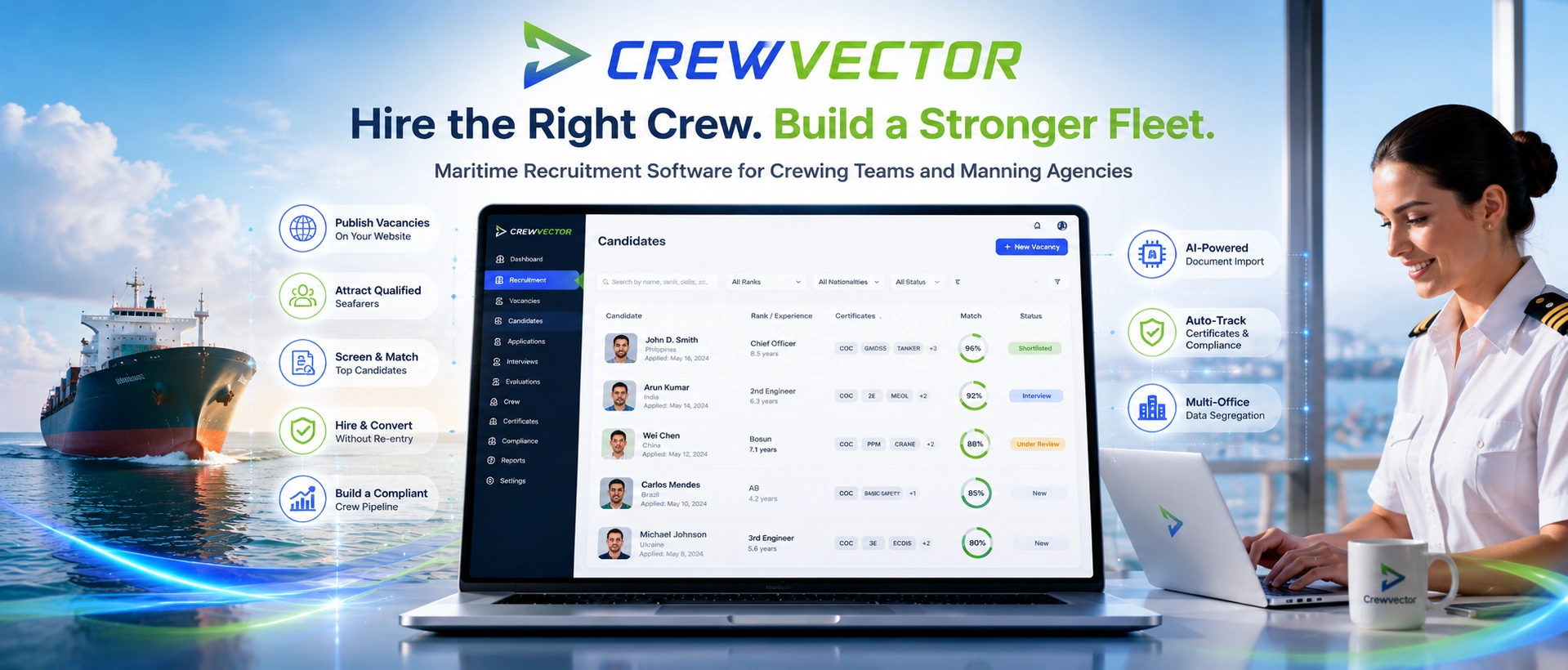
Recruitment and candidate pipeline — sourcing, evaluation, and a clean path from candidate to active crew without re-entering the same data.
Travel coordination — flights, hotels, and movement visibility tied to the crew change, since a rotation that ignores travel days is correct only on paper.
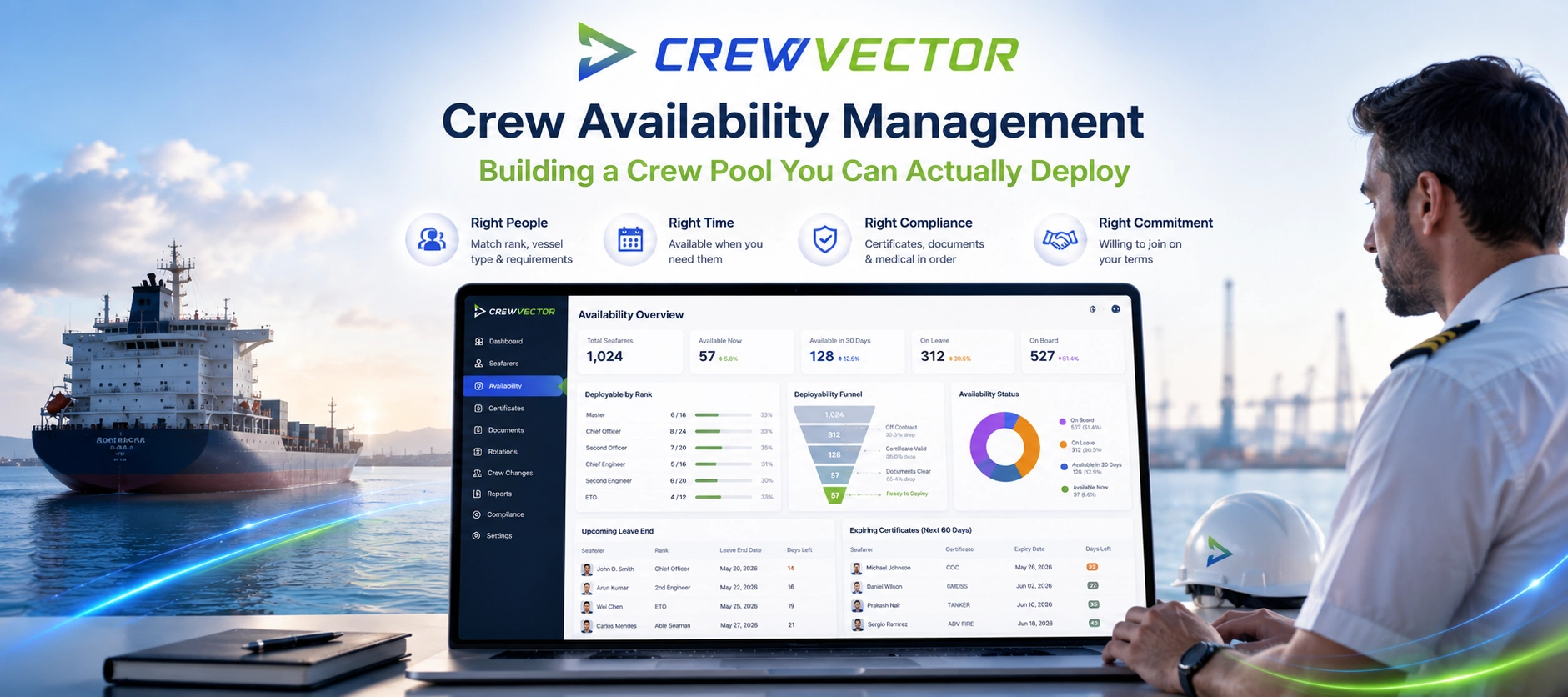
Reporting and dashboards — expiry reports, planning and recruitment status, and compliance views that make the operational picture visible without exporting to a spreadsheet.
If a buyer's list stops here, it is describing the floor, not the ceiling. Every credible platform clears most of this. The real comparison happens above it.
The features that separate good from generic
This is where systems that look identical on a feature checklist behave very differently in daily use.
Automated document and certificate import. Crewing teams lose hours typing certificate numbers, issue and expiry dates, and seafarer details from scanned PDFs. Systems that use intelligent document processing to read a certificate or CV and populate the record — instead of presenting an empty form next to a scan — remove the most tedious and error-prone task on the desk. Platforms such as Crewvector treat this AI-assisted import as a core part of document management rather than a novelty, because the time saving compounds across every on-boarding and every renewal.
A real competency matrix. Tracking whether a document is valid is table stakes. Knowing whether this seafarer meets this rank's requirement on this vessel and flag — and surfacing the missing piece before assignment — is the capability that prevents non-compliant crew changes. Ask to see how a system validates a candidate against a position, not just whether it stores the certificate.
Multi-office data segregation. Agencies operating across several branches or principals have a problem most single-office demos never reveal: who owns a seafarer's record, who can see the full profile versus a thin view, and how a seafarer is transferred or shared between offices without leaking data or duplicating it. If you run more than one office, or expect to, ask specifically how cross-office access and ownership are handled. It is rarely on the feature list and almost always matters later.
Conflict detection in planning. A planner that lets you double-book a seafarer, or schedule a relief whose certificate lapses mid-rotation, is a calendar with extra steps. The useful version checks the plan against the seafarer's documents, availability, and rest constraints as you build it.
How to choose by company type
The same system rarely fits every operation. Match the tool to the shape of the work.
Small manning agency (a handful of staff, supplying several principals). Priorities: a clean candidate-to-crew pipeline, fast document import, and the ability to present compliant, ready crew to principals quickly. Avoid heavy enterprise suites whose configuration cost outweighs the benefit at your scale — the risk is paying for modules you never switch on while the team quietly drifts back to spreadsheets.
Mid-sized ship manager (in-house crewing for a defined fleet). Priorities: rotation planning with conflict detection, certificate and competency control across vessel types, and reporting that holds up in an audit. The deciding factor is usually how well planning and compliance are connected, because that link is where in-house desks lose the most time.
Multi-branch agency or group. Priorities: data segregation and ownership across offices, controlled sharing of seafarer profiles, and consistent compliance rules across branches. This is the case where the differentiators above stop being nice-to-have. A system that assumes a single office will force expensive workarounds once a second branch exists.
Large fleet or organization. Priorities: scalability, role-based access, integration with adjacent systems, and the governance to manage many users and offices. The trade-off here is between depth and adoption — the most capable system is worthless if the desk finds it too heavy to use, so weight ease of use as a hard requirement, not a soft preference.
Migrating from spreadsheets or a legacy system
Most crewing teams are not choosing their first system; they are leaving one that no longer fits — usually a tangle of spreadsheets, or an older platform that has stopped evolving. The migration is where projects succeed or stall, so evaluate it before you sign, not after.
The records that matter most are seafarer profiles, certificate and document data with correct expiry dates, sea service history, and active contracts. The common failure is migrating the data but not the relationships — importing certificates as loose files instead of linking them to the seafarer and the requirement they satisfy, which recreates the original problem in a new tool. A useful migration plan maps how each data type lands in the new structure and verifies a sample before committing the full set. Ask any vendor to walk through a real migration, including how they handle messy or inconsistent legacy data, since that is the part demos skip.
Cost and total cost of ownership
License price is the visible number and usually the least important one. The total cost of ownership includes implementation and configuration, data migration, training, and the ongoing cost of a system the team resists using. A cheaper license attached to a tool nobody adopts is more expensive than it looks, because the real cost reappears as shadow spreadsheets and manual checks.
Two questions cut through most pricing conversations. First, what does it actually cost to get our data in and our team productive — not just the monthly fee? Second, how does the price scale as we add seafarers, vessels, or offices, so a growth that should be good news does not turn into a budget surprise? Honest vendors answer both directly.
A decision checklist
Before committing, confirm the system:
Was built for maritime crewing, not adapted from generic HR.
Centralizes crew data so a fact updated once is updated everywhere.
Monitors certificate and document expiry automatically, with alerts.
Validates seafarers against rank, vessel, and flag requirements before assignment.
Supports rotation planning with conflict detection.
Speeds up document entry — ideally with automated import — rather than relying on manual typing.
Handles multi-office access and ownership if you operate, or plan to operate, more than one branch.
Has a credible migration path for your existing data and its relationships.
Is genuinely easy enough that the team will adopt it.
Has transparent, scalable pricing including implementation and migration.
A platform that clears this list will serve a crewing operation better than the highest-ranked name on a generic list, because it is matched to how the work is actually done.
Frequently asked questions
What is the best crew management software for a small manning agency? The best fit for a small agency is rarely the largest enterprise suite. Priorities a fast candidate-to-crew pipeline, automated document import, and ease of adoption over breadth of modules. A focused, maritime-built system that the whole team will use beats a heavyweight platform that ends up half-configured.
How is maritime crew management software different from HR software? Generic HR software manages employees as records. Maritime crew management software manages seafarers as records with conditions — rank, valid certificates, vessel and flag requirements, sea service, and contract dates that determine whether someone can join a vessel at all. That is why HR tools adapted to shipping tend to push the hard parts back onto manual workarounds.
Does crew management software handle STCW and MLC compliance? A maritime-built system should support compliance by linking certificates and qualifications to rank and vessel requirements, flagging gaps and expires before an assignment is confirmed. Software supports compliance; it does not replace the crewing team's judgement or the obligations of the company and flag state.
Can it import certificates and documents automatically? Some systems now use intelligent document processing to read certificates and CVs and populate seafarer records, instead of requiring manual data entry from scans. This removes one of the most time-consuming and error-prone tasks on a crewing desk, and is worth testing directly during any demo.
How long does migration from spreadsheets or an older system take? It depends mainly on data quality, not data volume. Clean, consistent records migrate quickly; inconsistent legacy data is the real bottleneck. Ask the vendor to demonstrate a migration that includes preserving the relationships between seafarers, documents, and requirements — not just transferring files.
Curious how this works in practice? Crewvector is built around the crewing workflow described above — centralized seafarer data, automated document import, compliance validation, and multi-office support. Request a demo to see it against your own crew change scenarios.