Vacancy Creation & Publication
Recruiters enter the rank, vessel, joining date, contract terms, salary range, English level, nationality, and other requirements, then publish the vacancy for online applications.

Recruiters create and publish maritime vacancies, compare Matched Candidates with Applied Candidates, and review a ranked internal pool. Each candidate card explains which requirements match, which are missing, and what must be checked before the recruiter adds the selected seafarer directly to Planning.
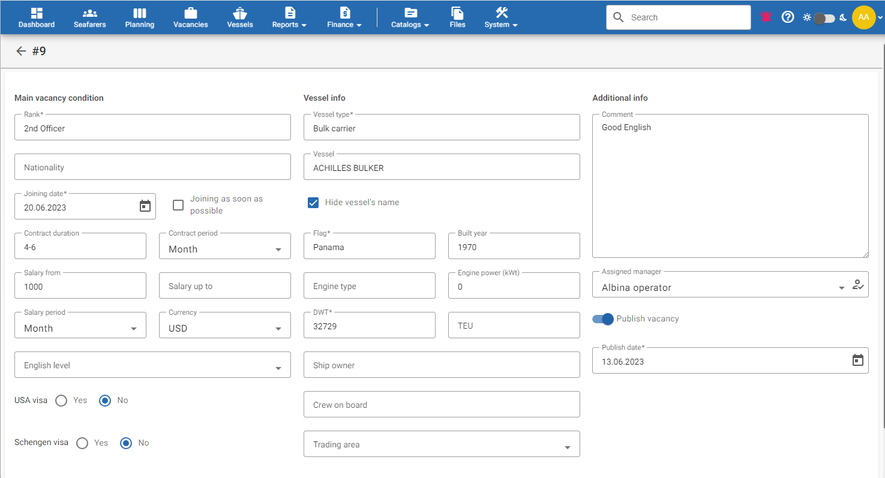
Recruiters enter the rank, vessel, joining date, contract terms, salary range, English level, nationality, and other requirements, then publish the vacancy for online applications.

The vacancy page separates candidates ranked from the internal seafarer database from people who applied online or were added with the Apply action.

Recruiters see the candidate's score, matching criteria, missing information, document warnings, and previous cooperation before choosing View profile, Apply, or Plan.
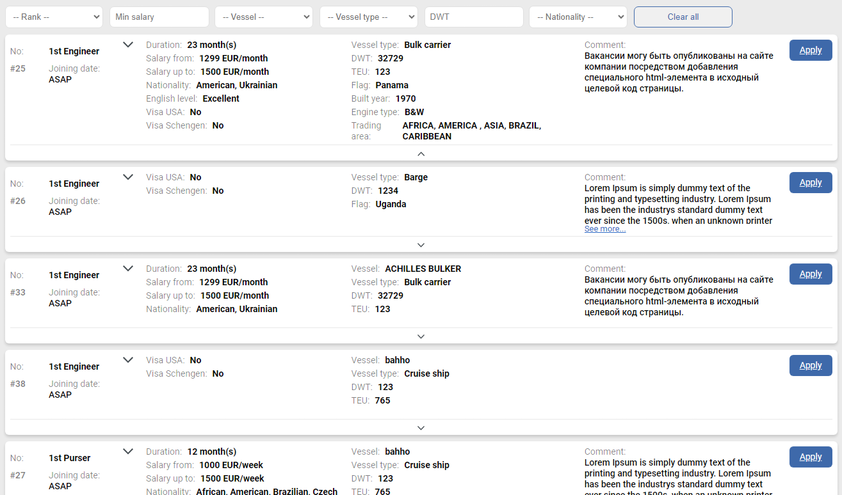
Create and edit vacancies for a rank and vessel, control whether the vessel name is public, and share published positions through the company's vacancy page. Filters help recruiters review vacancies by rank, vessel type, vessel, and status.
Matched Candidates contains seafarers selected and ranked from the company's internal pool. Applied Candidates contains seafarers who submitted the online application for the vacancy or whom a recruiter added with Apply. Both panels remain connected to the same vacancy requirements.
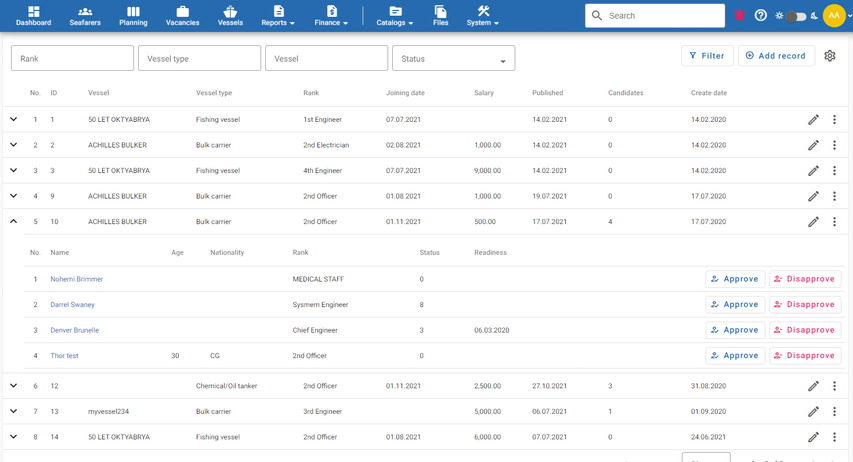
Crewvector scores and orders candidates using visible operational factors:
The candidate card shows why a criterion matches, does not match, or lacks data instead of presenting an unexplained score.
Candidate cards surface missing, expired, and expiring documents together with required visa checks. After selecting a candidate, the recruiter can choose Plan and add that person directly to Planning, Joining, or On Board without creating a separate hiring stage.
The Vacancies statistic report shows open and overdue positions, vacancies created and closed over time, fill rate, average days to close, manager results, candidate counts for open vacancies, and breakdowns by rank or vessel type.
See how your team can publish a vacancy, review an explainable candidate ranking, check readiness, and add the selected seafarer directly to Planning.
23.11.2026
How long STCW certificates are valid, which ones need renewal every 5 years, and how crewing teams track expiries across a large roster.
20.11.2026
MLC 2006 sets minimum working and living standards for seafarers. What it covers, which ships it applies to and what crewing companies should keep on record.
18.11.2026
What PEME means, what a pre-employment medical examination for seafarers covers, who pays, what it costs and how crewing teams manage it.